
yuzu Emulator
Screenshots
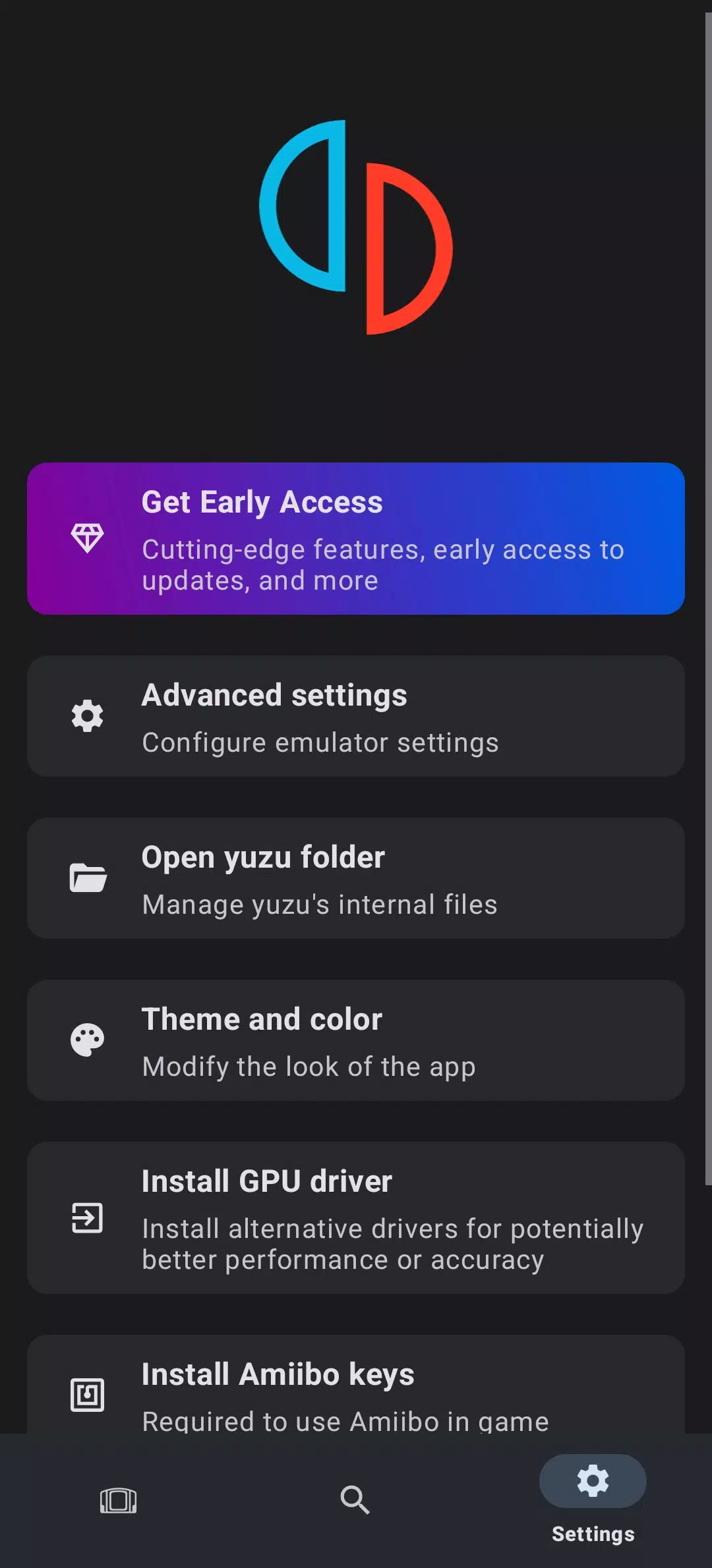
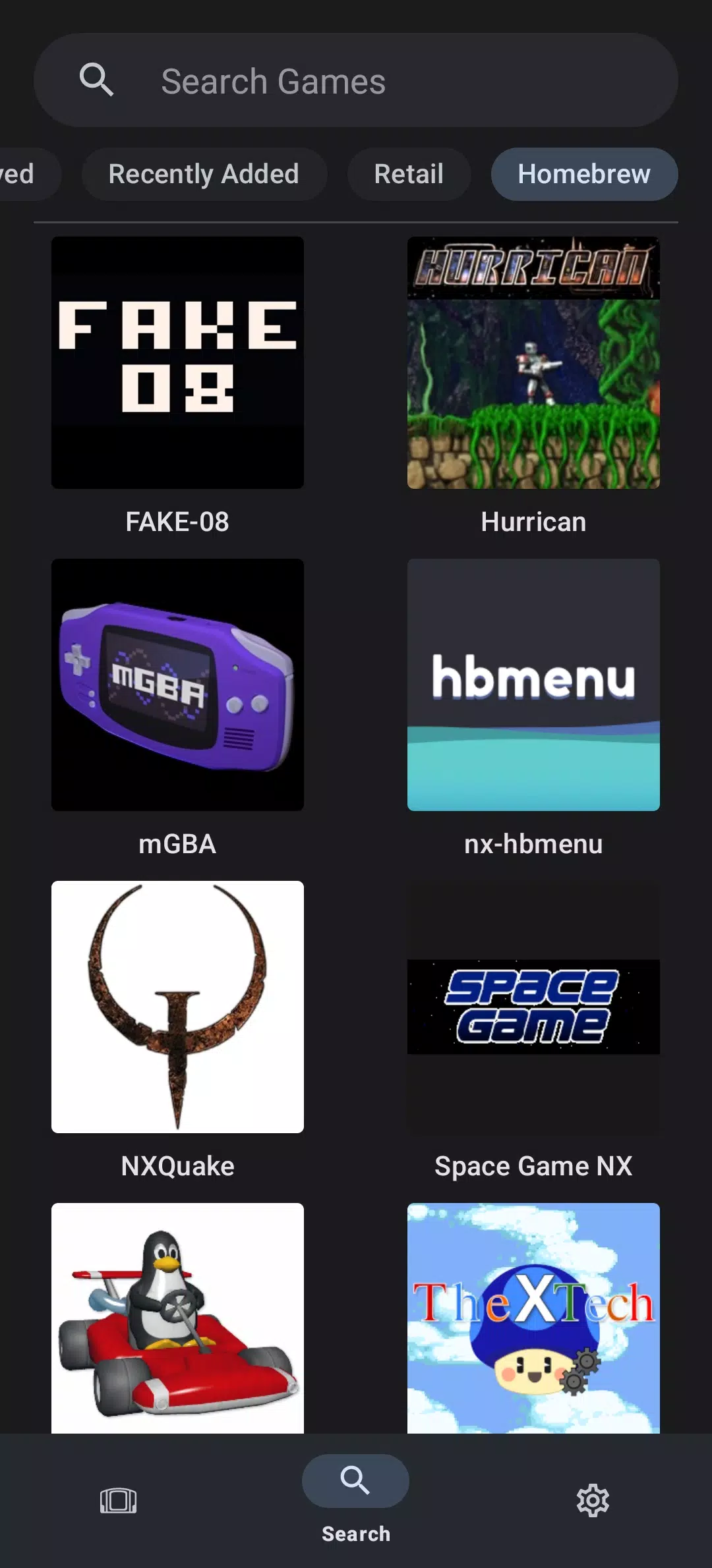
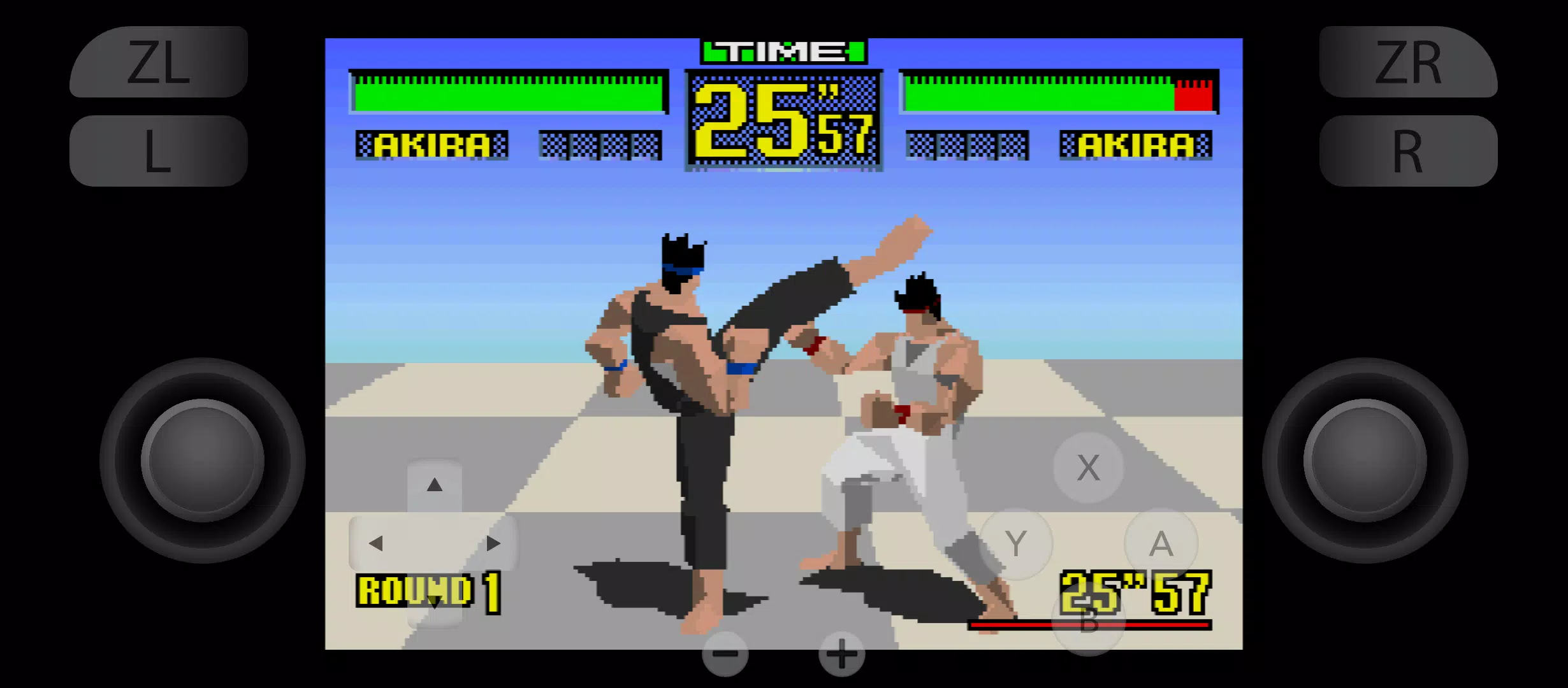
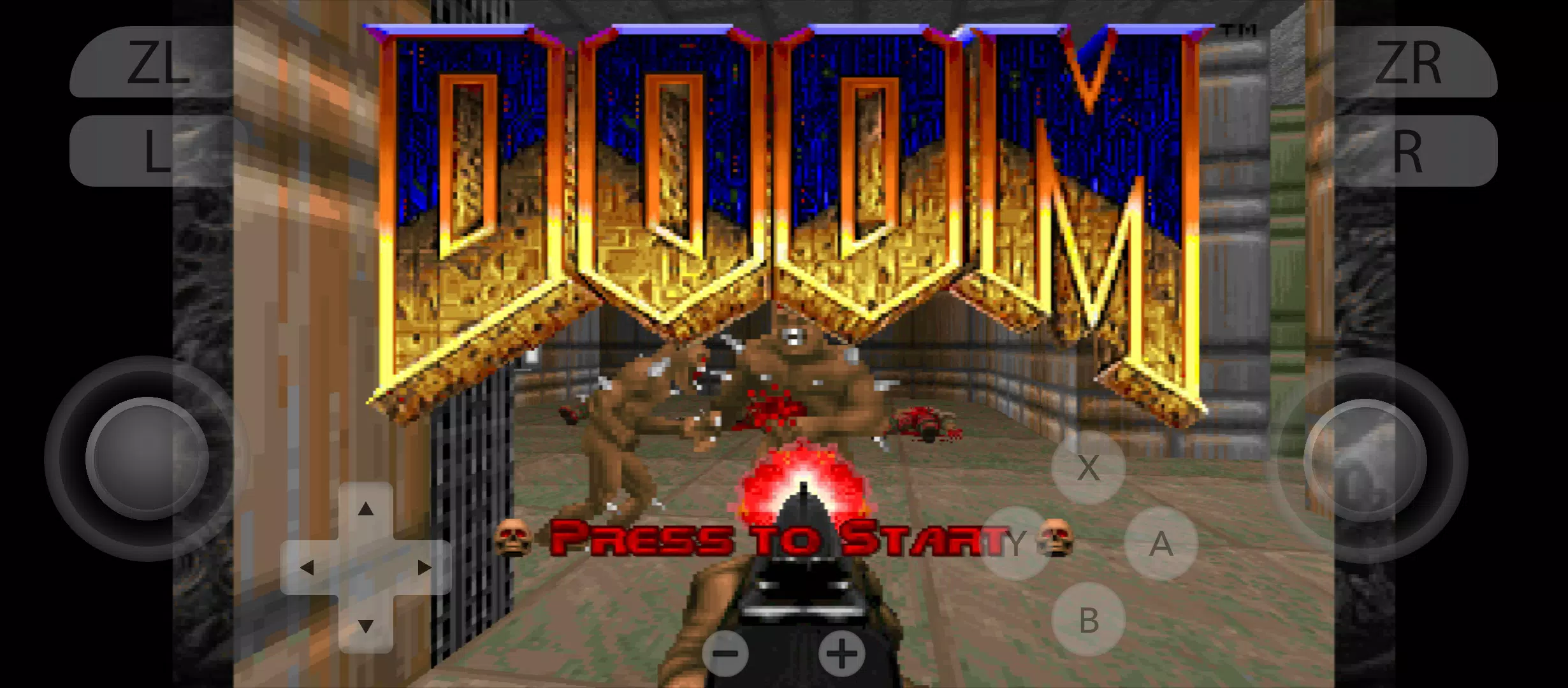
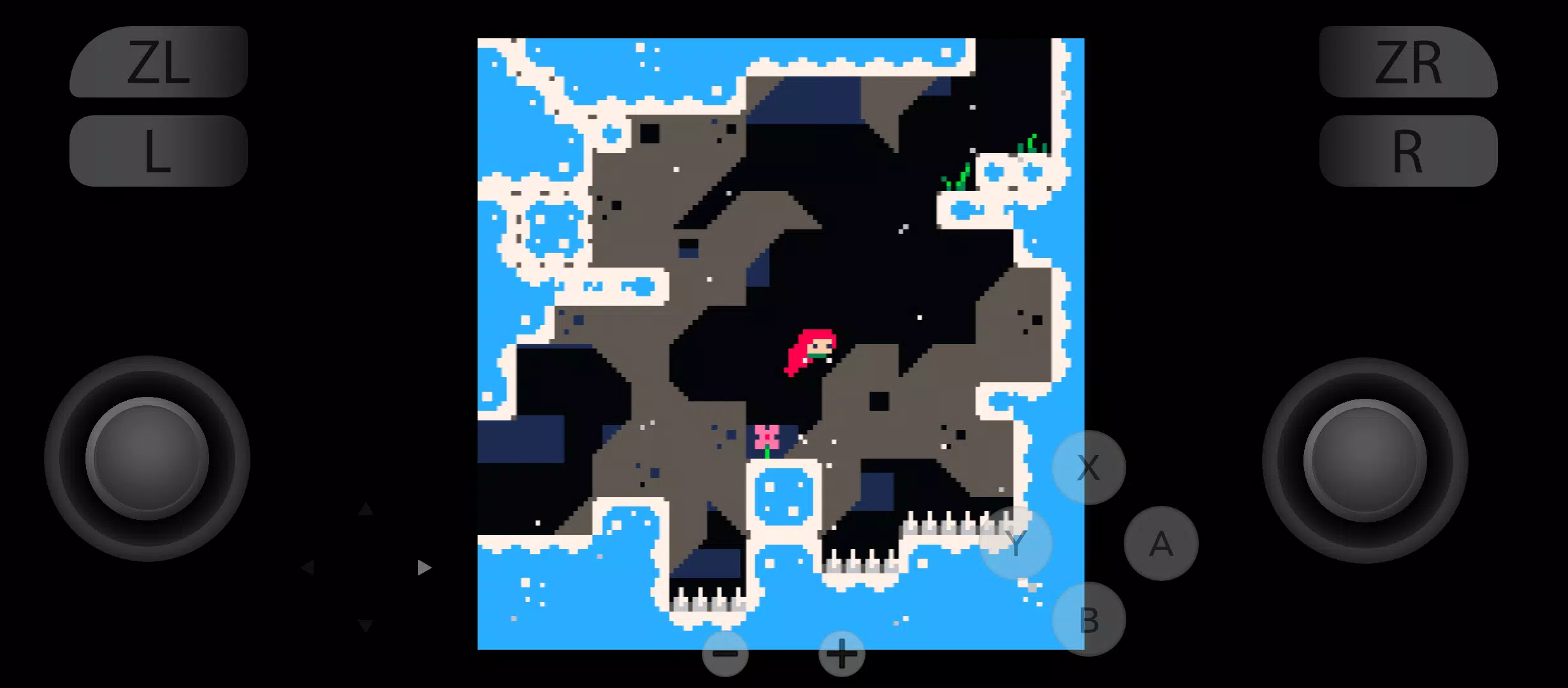
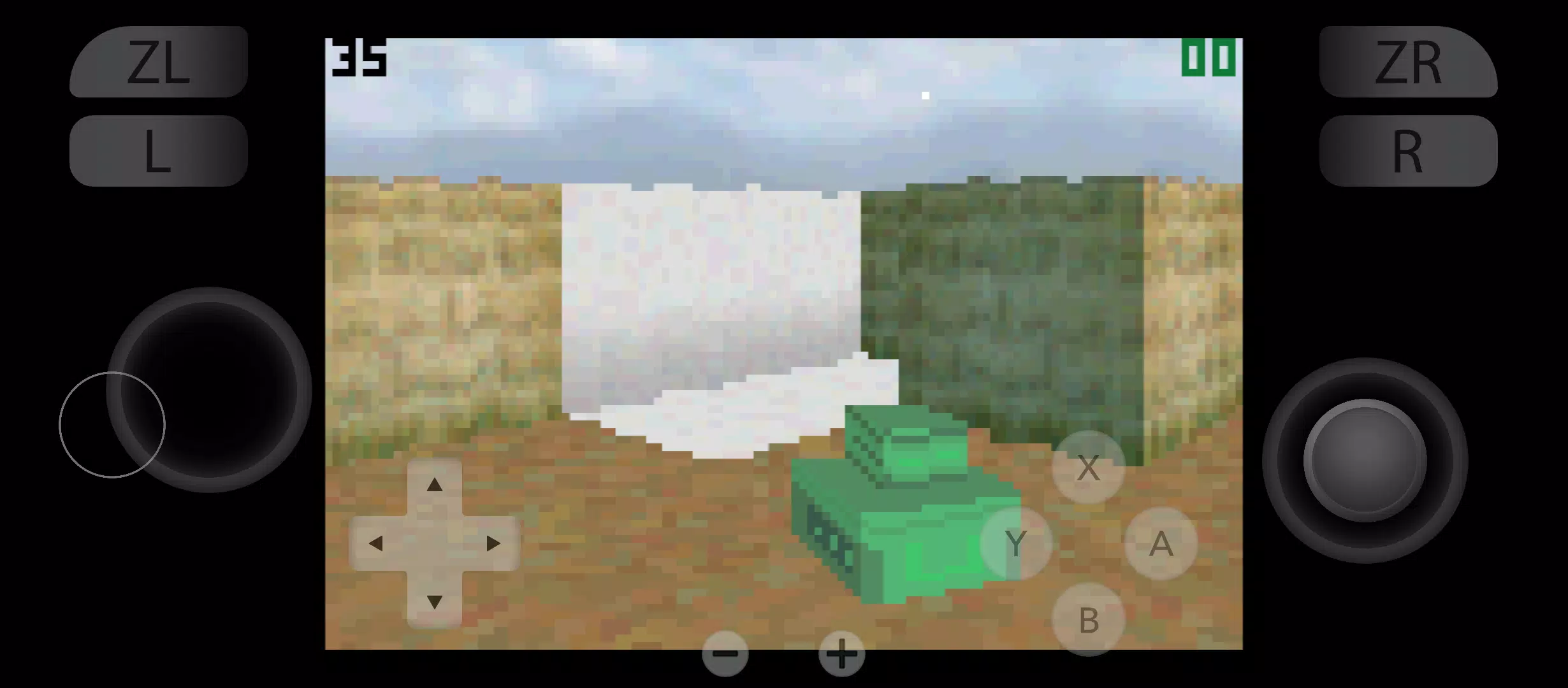
yuzu Emulator is a high-performance software tool designed to run popular console games on mobile hardware. It translates complex game code into a format that modern mobile processors can understand. This allow players to enjoy high-definition gaming without needing a dedicated handheld console. The software focuses on accuracy and speed, aiming to provide a smooth experience that mirrors original hardware. Because mobile devices vary greatly in power, this emulator includes deep customization settings. Users can tweak graphics, audio, and input controls to match their specific device capabilities. It essentially transforms a standard smartphone into a portable gaming machine.
Understanding the yuzu Emulator Architecture
The technical foundation of the yuzu Emulator relies on advanced translation layers. It primarily uses the Vulkan and OpenGL graphics APIs to communicate with your phone’s hardware. These layers are responsible for rendering textures and lighting effects accurately. By utilizing multi-core CPU support, the software spreads the workload across different processing units. This prevents any single core from becoming a bottleneck, which reduces lag.
Furthermore, the emulator manages memory very aggressively. Since console games often require large amounts of RAM, the app uses smart caching techniques. It stores “shaders”—the instructions for drawing game objects—to ensure that the second time you enter an area, it loads instantly. This architecture is what allows high-end mobile chips to run demanding titles at playable frame rates.
How yuzu Emulator Handles Hardware Optimization
Performance depends heavily on the type of processor inside your device. The yuzu Emulator is specifically optimized for chips with powerful graphics units. Devices featuring Qualcomm Snapdragon processors often see the best results due to superior driver support. The software allows users to install custom “Turnip” drivers, which are community-developed files that unlock hidden performance.
Beyond the processor, heat management is a critical factor. Emulating a console generates significant heat, which can cause the phone to slow down to protect itself. To counter this, the app includes “Extreme” and “High” accuracy levels. Lowering the accuracy can significantly boost the speed on mid-range devices while keeping the temperature stable. This balance makes the software accessible to a wider range of users.
Key Features for a Better Gaming Session
The interface and toolset of the yuzu Emulator are designed for ease of use. It provides a clean dashboard where your game library is displayed with full artwork. Here are some of the standout features included in the software:
- Resolution Scaling: Increase the internal resolution to 2x or 4x for a sharper image than the original console.
- External Controller Support: Connect Bluetooth or USB-C controllers for a more traditional gaming feel.
- Save State Management: Save your progress at any exact moment, not just at designated in-game save points.
- Anisotropic Filtering: This feature improves the clarity of textures when viewed at an angle.
- Custom Driver Support: Users can swap graphics drivers to fix visual glitches or improve FPS.
- Touch Control Customization: Drag and resize on-screen buttons to fit your hand size perfectly.
Setting Up yuzu Emulator for Maximum Speed
To achieve the best results, you must configure the software correctly. Start by navigating to the graphics settings and selecting the Vulkan API. Vulkan generally offers better performance and stability on most modern mobile hardware. Next, enable “Asynchronous Shaders.” This setting allows the game to continue running while the graphics unit calculates new visual data, preventing “stuttering” during gameplay.
Another important step is adjusting the CPU accuracy. Setting this to “Unsafe” can provide a massive speed boost, though it may cause minor glitches in a few games. If you are using a high-end device, keeping the resolution at 1x ensures the highest possible frame rate. For those with older hardware, lowering the “Window Adapting Filter” can help maintain a steady flow of action during intense scenes.
Managing Your Game Library and Storage
Organizing your files is a straightforward process within the app. The yuzu Emulator requires specific system files, known as “prod.keys” and “firmware,” to function. Once these are placed in the correct folder, you can point the app to your game directory. The software supports various file formats, including .nsp and .xci files.
Storage space is a major consideration because high-quality games are quite large. Many titles exceed 10GB in size. Additionally, the shader cache grows over time as you play. It is a good idea to keep at least 20GB of free space on your internal storage. Using a fast SD card is possible, but internal storage usually provides quicker loading times and fewer hitches during open-world exploration.
The Evolution of Mobile Console Emulation
The development of this software represents a massive leap for mobile gaming. In the past, emulating modern consoles was considered impossible for handheld phones. However, through years of code optimization and the rapid growth of mobile GPU power, it is now a reality. The community surrounding this project frequently releases updates to fix bugs in newly released titles.
While the original development team has faced legal challenges, the technology they created lives on through various forks and community projects. These versions continue to refine the code, making the emulator more efficient with each passing month. This ongoing evolution ensures that as mobile hardware improves, the ability to play console-quality games on the go will only become more seamless and impressive.
Conclusion
The yuzu Emulator provides an incredible way to experience console gaming on a mobile platform. By combining sophisticated graphics translation with deep hardware optimization, it allows users to carry an entire library of games in their pocket. Whether you are adjusting drivers for a frame rate boost or connecting a controller for a long session, the software offers the tools needed for a premium experience. As long as you have a compatible device and the right settings, the world of high-definition emulation is wide open. It is a testament to how far mobile technology has come, turning everyday phones into high-powered gaming machines.